Mac安裝Adobe軟體,提示Error解決方法(Error The installation)
Mac10.12安裝Adobe Photoshop的時候一直提示Error The installation cannot continue as the installer file may be damaged. Download the installer file again.起初以為是安裝包損壞了,就下載了幾遍,還是提示通樣的問題,於是也嘗試了AI,AU等軟件也是提示通樣的問題。經過一陣的折騰終於找到了此問題的解決方法。

解決方法
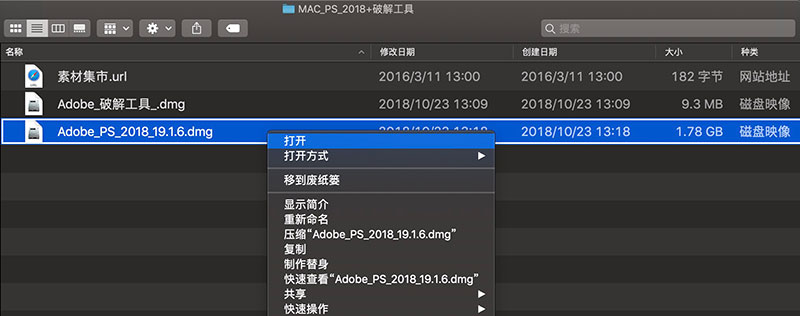
安裝Photoshop為例,打開安裝包
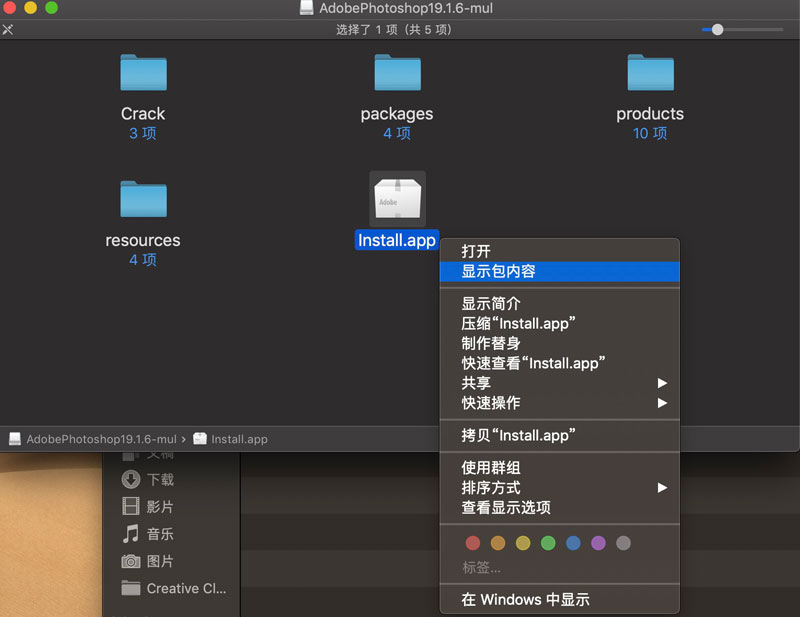
找到install.app,右鍵打開,顯示包內容
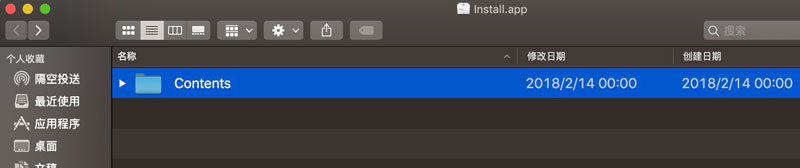
點擊Contants
點擊MacOS
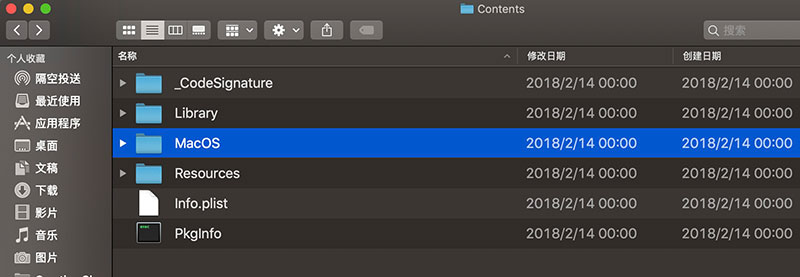
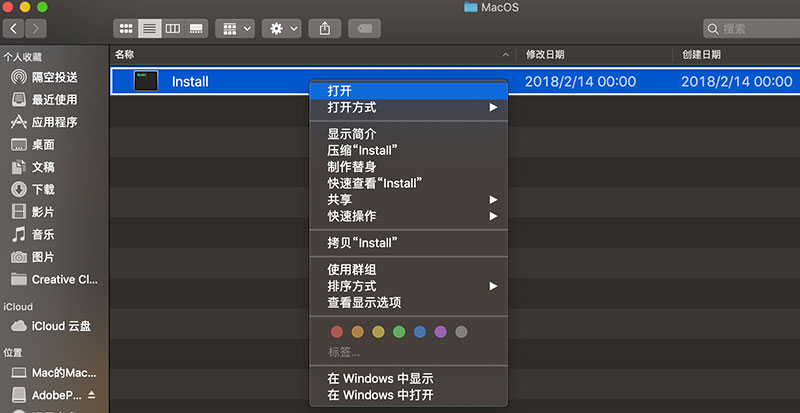
點擊Install,就可以安裝了